
Approvals and notifications
Four eyes on anything that costs money or time
Anything that costs the hotel money, time or trust goes through a second person. Nobody approves what they submitted, prepared or counted themselves: not their own refund, purchase order, stock count, journal, pay run, leave or timesheet. A guest's folio refund takes three different people: the one who asks, the one who approves and the one who pays.
Some approvals also depend on the amount. For example, a purchase order above the hotel's limit needs someone allowed to approve above it.
The Approvals inbox
Documents waiting for your decision appear in My work → Approvals and in the bell.
- Open My work → Approvals.
- On Waiting for me, read the document. Click Open the document to see it in full.
- Click Approve, or type a comment and click Reject. A comment is required to reject, so the requester knows what to change.
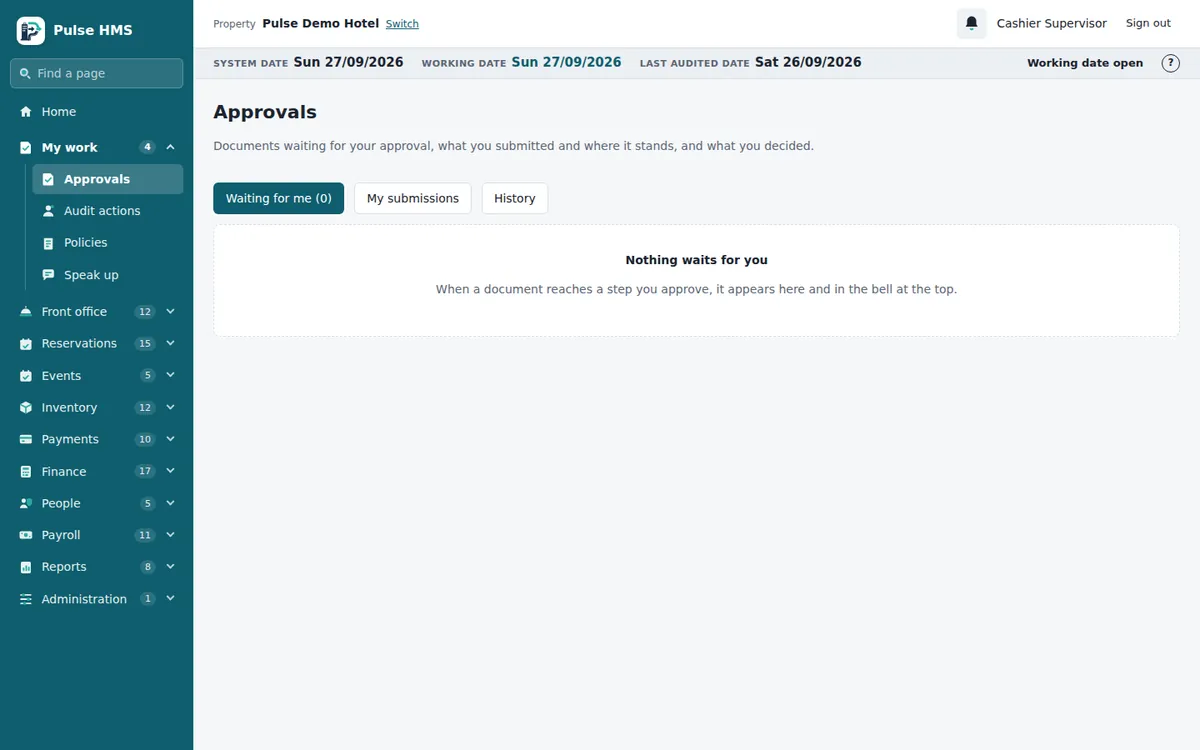
The other two tabs: My submissions shows what you sent for approval and where it is (Trail shows every step), and History shows what you decided.
The bell
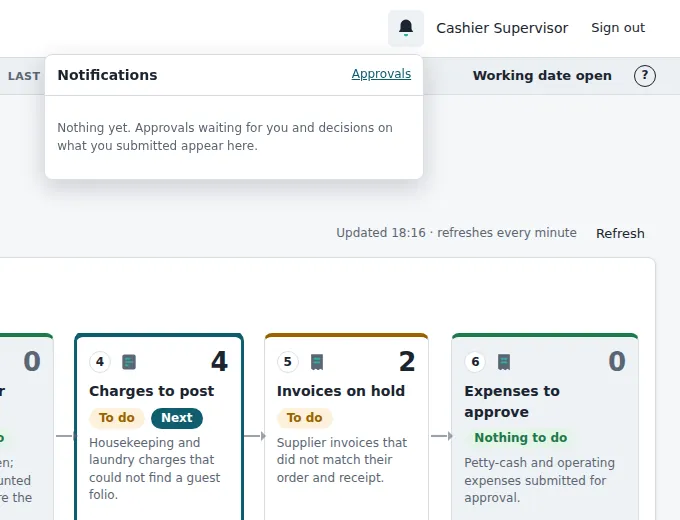
The bell in the top bar shows a red count of unread notifications: approvals waiting for you and decisions on what you submitted. Click it, then click a notification to open its document. Mark all read clears the count.
Note Not every document goes through the inbox. Some are approved on their own page, for example a refund on Payments → Refunds. The lesson for each job tells you where.